
How to Activate TM SIM Card: Quick and Easy Setup Guide
Complete step-by-step guide to activate your TM SIM for unlimited calls, SMS, and internet data. Learn automatic activation, manual *143# method, and troubleshooting tips.
If you have recently purchased a TM SIM, you need to activate it after registration or activation. TM gives you exciting promos with unlimited calls, SMS, and internet data. TM offers fast and easy SIM activation, and most users can start using their SIM for promos. The telecom offers cheap and heavy internet data promos for users in the Philippines. Once your SIM is activated, you will be able to make calls, send SMS, browse the internet and register your favourite promos on your SIM.
In this guide you will understand how to activate TM SIM card requirements and how to check your load balance. Also, we will explain all the methods of activation along with useful tips.
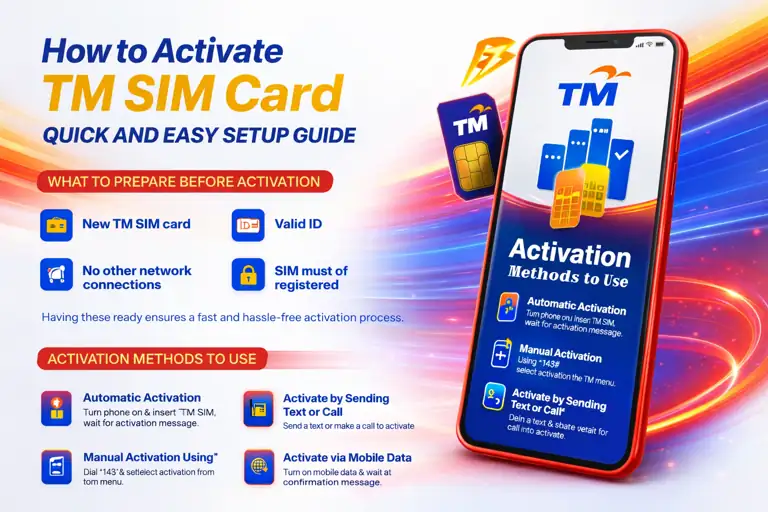
TM SIM Activation Process – Official Globe Telecom Network
What to Prepare Before Activation
Before you begin the SIM activation process, you need to prepare some requirements to avoid rejection or delay in your activation. Activating your TM SIM card is simple and easy and can be done in few minutes. Make sure you have prepare following requirements:
Related Articles




How to Activate TM SIM
Activating your SIM is easy and can be done in few minutes if follow right steps. There are many different ways to complete the process; you can choose the method that is convenient for you.
Automatic Activation
The simple and easy way to activate TM SIM card is automatic activation:
- Turn off your mobile phone insert your TM SIM into your phone SIM card slot
- Turn on your phone
- Wait for few minutes to restart your phone until you see the network bars
- You will receive a confirmation or welcome message confirming your SIM is active
Manual Activation Using *143#
If your SIM does not activate automatically, you can try manual activation:
- Open your mobile dialer
- Dial *143# wait for the TM menu to appear on your screen
- Then select my account or SIM service
- Tap on activation
- Wait for the confirmation message
Activate by Sending a Text or Making a Call
Another simple way to activate your TM SIM card is via SMS or calling:
- Open your messaging app
- Send a short message to any number or make a short call to activate your number
- This will automatically activate your TM SIM
- Wait for the activation message
This one is the easiest and quickest method to activate your SIM card in a few seconds.
Activate via Mobile Data Connection
You can also activate your SIM using mobile data, especially if you are using a smartphone:
- Go to your phone settings
- Turn on mobile data
- Open the app or Google browser
- Once your device is connected to the signals, you will receive a confirmation message
This method is recommended and designed for modern smartphones and is useful for activating your TM SIM card.
Contact Customer Service for Help
If your SIM is still not working, the best option is to contact their customer support; they will help you and solve your issue in a few minutes:
- Dial 808 from your TM SIM
- Select the option to speak with a representative
- Explain your issues clearly
- Provide your SIM number if they ask
- Follow the instructions or go to the nearest Globe or TM store for guidance
This is the most reliable method; they will help you to activate your SIM in a few minutes.
Why Choose TM for Your SIM Card Activation?
Choosing TM is a smart choice for users who want a smooth experience. One of the biggest advantages of TM is its quick and easy activation process, which allows users to start using their SIM within minutes. TM provide budget-friendly promos along with unlimited calls and SMS data packages, which are suitable for daily users, students, freelancers, or office workers. TM also offers stable and strong signals that provide wide coverage, so you can stay connected without interruptions.
TM SIM card activation service is simple and user-friendly, even for beginners who are activating a SIM for the first time.

TM SIM Benefits – Budget-friendly promos and nationwide coverage
What to Do After Activating TM SIM
After activating your SIM process there are few steps you should follow and complete the SIM registration process.
Register Your TM SIM Card
After activating your SIM, you need to register your SIM in your name under the philippines SIM Registration Act. This will help to prevent fraud scams or unauthorized use. Unregistered SIMs are going to blocked permanently or it will create a mess in the future. To avoid any mishap make sure to register your SIM as soon as possible after activation. You need to provide these documents to complete the registration:
- Provide valid ID card
- Your activate SIM number
- Visit the globe or TM official portal or you can also visit their nearest outlets
Complete Your TM SIM Registration
Don’t forget to register your TM SIM after activation to comply with the SIM Registration Act and avoid deactivation.
Register TM SIM NowSubscribe to TM SIM Promos
After registration you need to subscribe to the promo to continue using your SIM. You can enjoy different budget-friendly promo packages. You can subscribe to promos using several methods but one of the most convenient method is to dial via USSD code:
- Open your mobile dialer
- Dial *143#
- Choose your preferred promo
- Confirm subscription
TM offers multiple promo options. After subscribing to your promo, you will get unlimited SMS, calls, and internet data for browsing. Also, in some promos, they offer freebies, which can lead to a smooth experience. Users can use their freebies without consuming their main data.
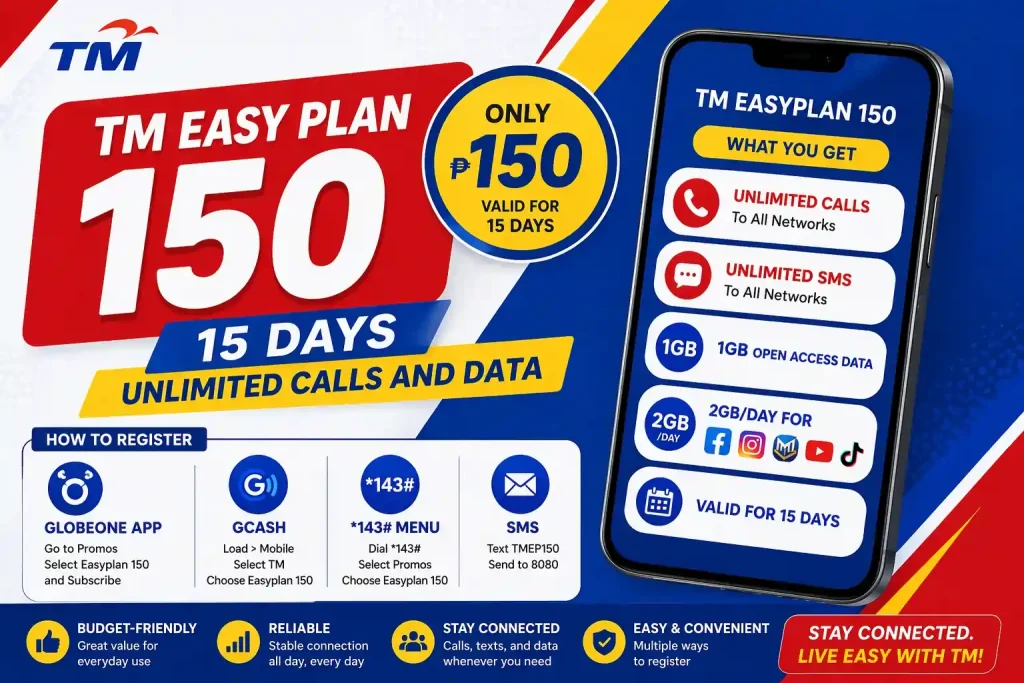
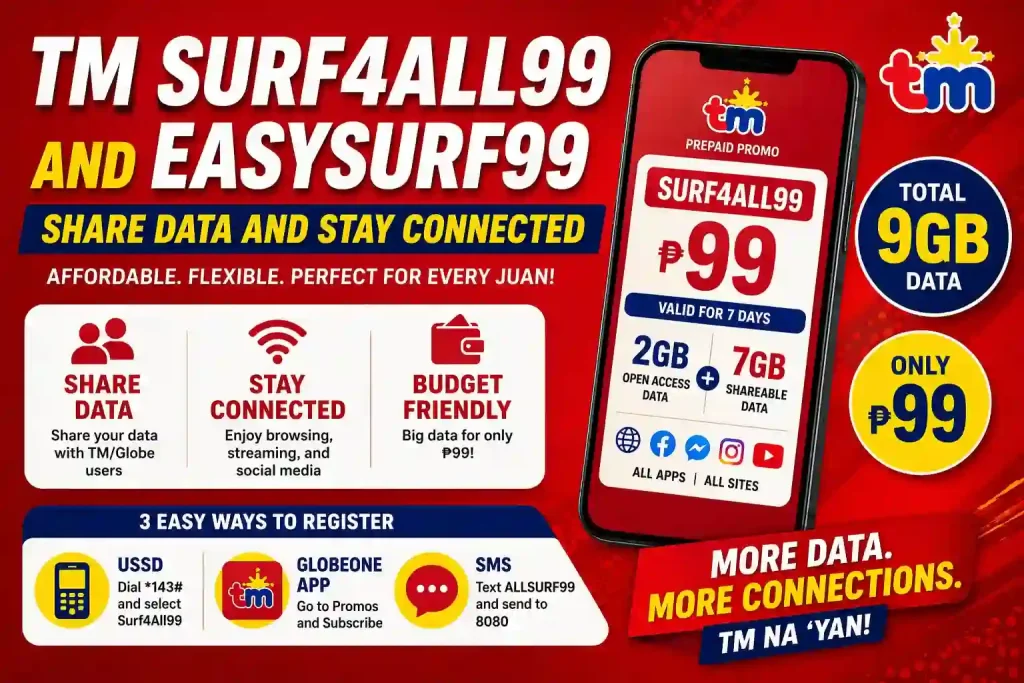
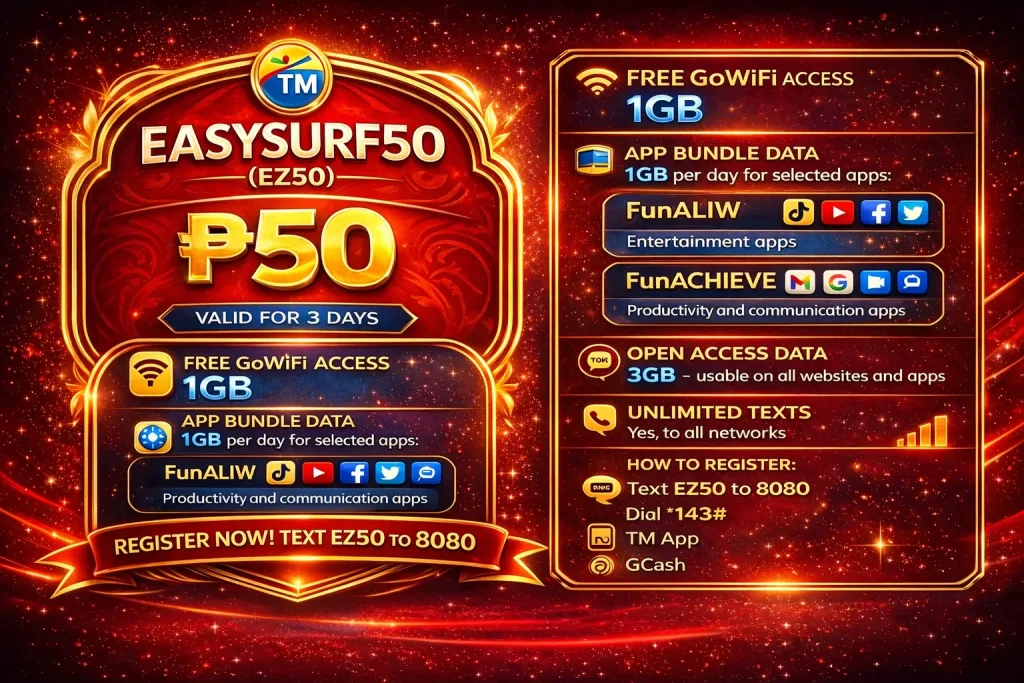
Popular TM Promos You Can Subscribe After Activation
Fix TM SIM Not Working Issues
If your SIM is not working properly after activation, try these solutions:
Restart your phone
Power off your device completely and turn it back on to refresh network connections.
Reinsert your SIM card
Remove the SIM carefully and reinsert it properly in the tray.
Check network signals
Ensure you are in an area with strong TM network coverage.
Airplane mode toggle
Turn on and off airplane mode; it will boost your signals.
These simple fixes can solve most problems related to your SIM card.
Load Your TM SIM
After registration your TM SIM, you need to load it. Without a load, you wont be able make calls SMS or even subscribe to promos you can load your SIM using several methods like Globeone app GCash app or simply buy a load from a retailer.
Check Your Load Balance and Data Usage
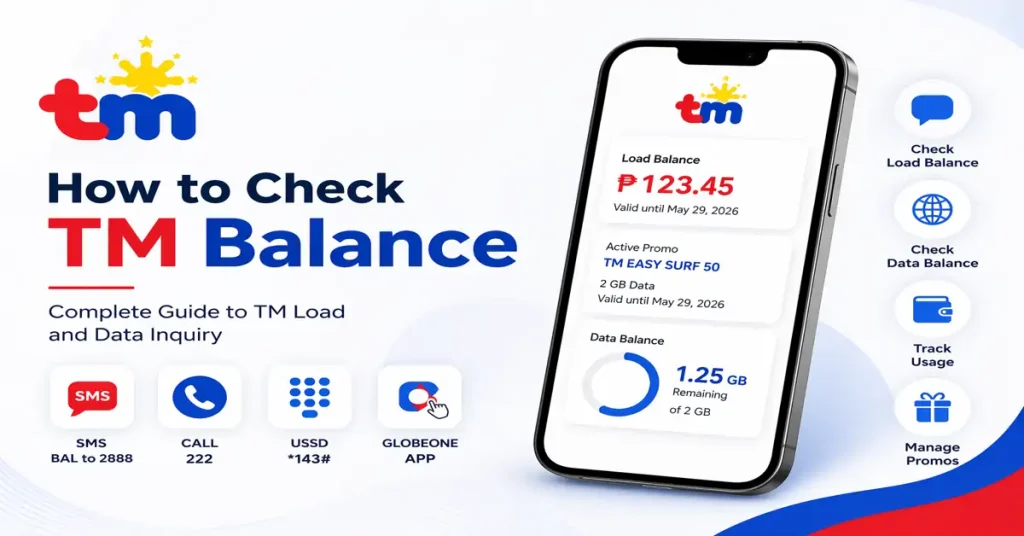
Once you activate your SIM and subscribe the promos you need to monitor your balance daily it will help you to stay connected with your balance and prevent sudden data loss you can track your balance using multiple methods. Ways to track your balance are using these methods:
- Dial 143#
- Use the Globeone app
- Wait for SMS updates
Common Problems for TM SIM Activation
Sometimes user face some problems regarding their SIM activation process, such as:
| Problem | Solution |
|---|---|
| No Network Signal | Restart your phone and make sure your SIM is inserted properly. Also, try turning airplane mode ON and OFF. |
| SIM Not Detected | Remove the SIM card, clean it gently, and reinsert it correctly. You can also try using it on another phone to check. |
| Activation Delay | Wait for a few minutes or up to 24 hours. If it still doesn’t activate, try dialing *143# or contact customer support. |
| Unable to Make Calls or Send SMS | Make sure your SIM has a balance, and also check if your network settings are correct. |
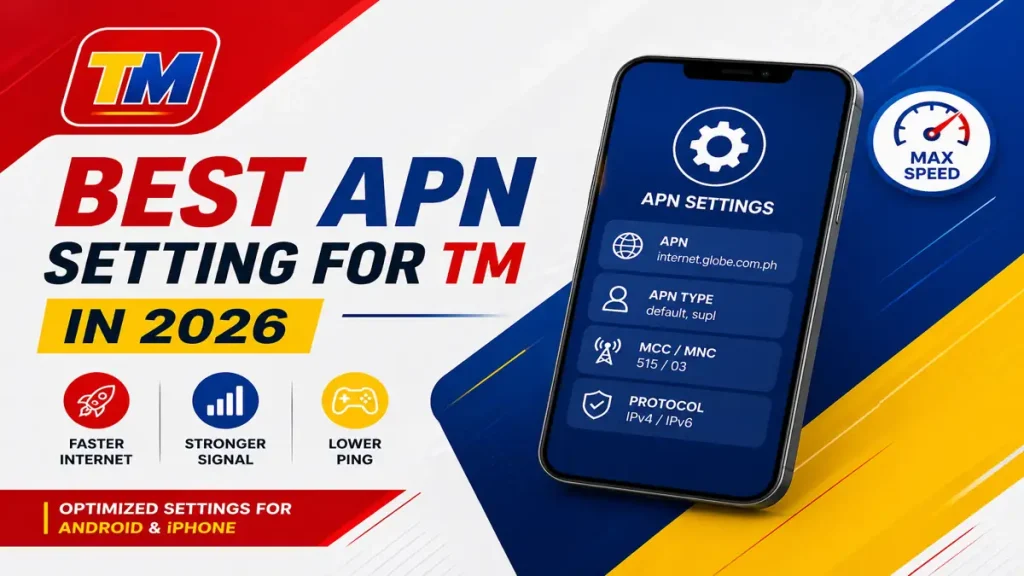
| Mobile Data Not Working | Turn ON mobile data and check APN settings. You can also restart your phone or request settings via SMS. |
How to Check if Your TM SIM Is Activated
To confirm activation, try these options:
Conclusion
Understanding how to activate your TM SIM card is very simple and easy. If you follow the right steps, you will get a smooth and hassle-free experience, whether you choose automatic activation or manual dialing. The process is simple and quick. After activation, don’t forget to register your TM SIM load balance and subscribe to promos to enjoy full services. By following this guide, you can easily register and activate your SIM.
Successfully Activated TM SIM – Ready for calls, SMS, and internet